Guides
How to use KURB PRO
By Ali Razzak
·
30 July 2025
·
3 min read
And take your resale browsing experience to the next level.
We unveiled our greatest update to KURB yet, KURB Pro earlier this week. This service enables you to leverage the most diverse, comprehensive and fast secondhand designer discovery tool on the planet to become the first notified when an item to your search specification hits the number. KURB Pro costs as low as $4 a month and takes less than a minute to get the notifications active across devices. Below is a short guide detailing how to set up the notification system across devices.NOTE: we will continually update this document as we tweak the system.
HOW TO SET UP KURB PRO
Different devices and browsers have varying demands for how to handle notifications. Below we have outlined the most common process for how to activate KURB Pro. However, if you’re having trouble please reach out over Discord, Instagram, Linkedin or [email protected].
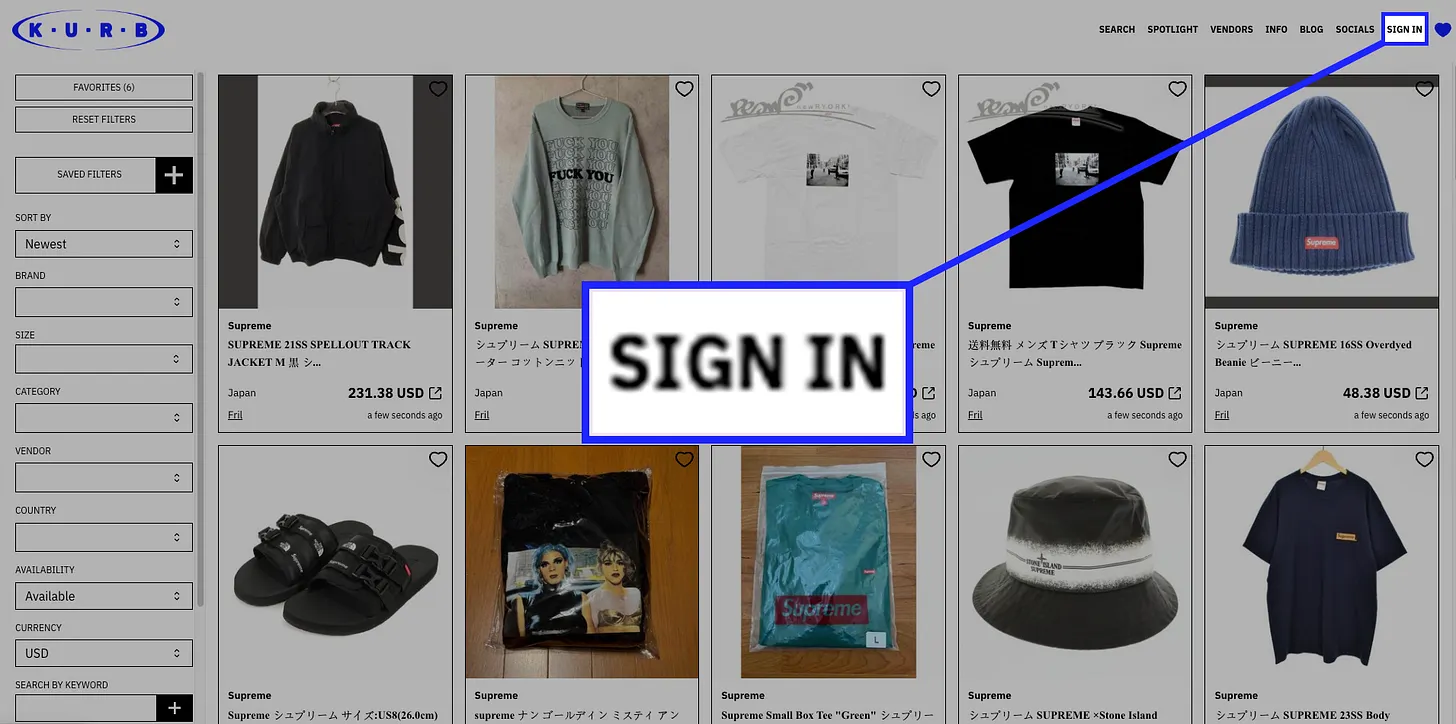
SIGN IN
On all devices there will be a “SIGN IN” button at the top right of the website. From there, you will have the option of using Google or your Discord account to log into KURB.
SETUP FILTERS
This can be done through the Filters interface. Brands, sizes, categories, vendors, country, price range and keywords can all be included in this filter. It’s even possible to exclude brands, sizes, categories, vendors and countries by toggling the eye associated to them.

SAVE FILTERS
Once you have created your filters they need to be saved, which can be done by clicking on “SAVED FILTERS” and adding a name to your filter. Free users can have up to 5 saved filters, while Pro customers can have up to 10.

ENABLE NOTIFICATIONS
To configure your notifications, you must first navigate to your user profile page. This can be accessed by clicking on your profile portrait in the top right corner and then clicking “Manage account” or by navigating to your profile page. If you are subscribed to PRO you should press “ENABLE NOTIFICATIONS”.

CONFIGURE NOTIFICATIONS
On this page you should see all your SAVED FILTERS in different cards. Here you can select the frequency which you would like to receive notifications and whether you would also like to receive email summaries every 12 hours for your notification of choice.

ACTIVATE ON DEVICES
FOR SMARTPHONES: all you need is to install KURB Pro as an App, which can be done by following this guide. First double check that your devices allows notifications from the KURB App.

FOR DESKTOP AND LAPTOP: it is heavily dependent on your operating system and browsers. First double check that your device allows notifications from your browser of choice by checking the notification settings:

We’re thrilled to finally be able to share this update with you. If you have any further questions or require assistance please don’t hesitate to reach out to us on Instagram, Discord, or email. Your feedback is invaluable for us to continue improving KURB and in turn provide better value for the secondhand designer clothing community!
toolnotifications
Keep finding great pieces.
Join KURB to get alerts on the brands and items you actually care about, across every resale platform.